
Working hours and part-timers
This guide shows you how to:
- Set the days and times each part-timer works
- Stop PetDesk offering them for appointments when they're not in
By default every member of staff is available across your normal business hours.
1. Open the staff member
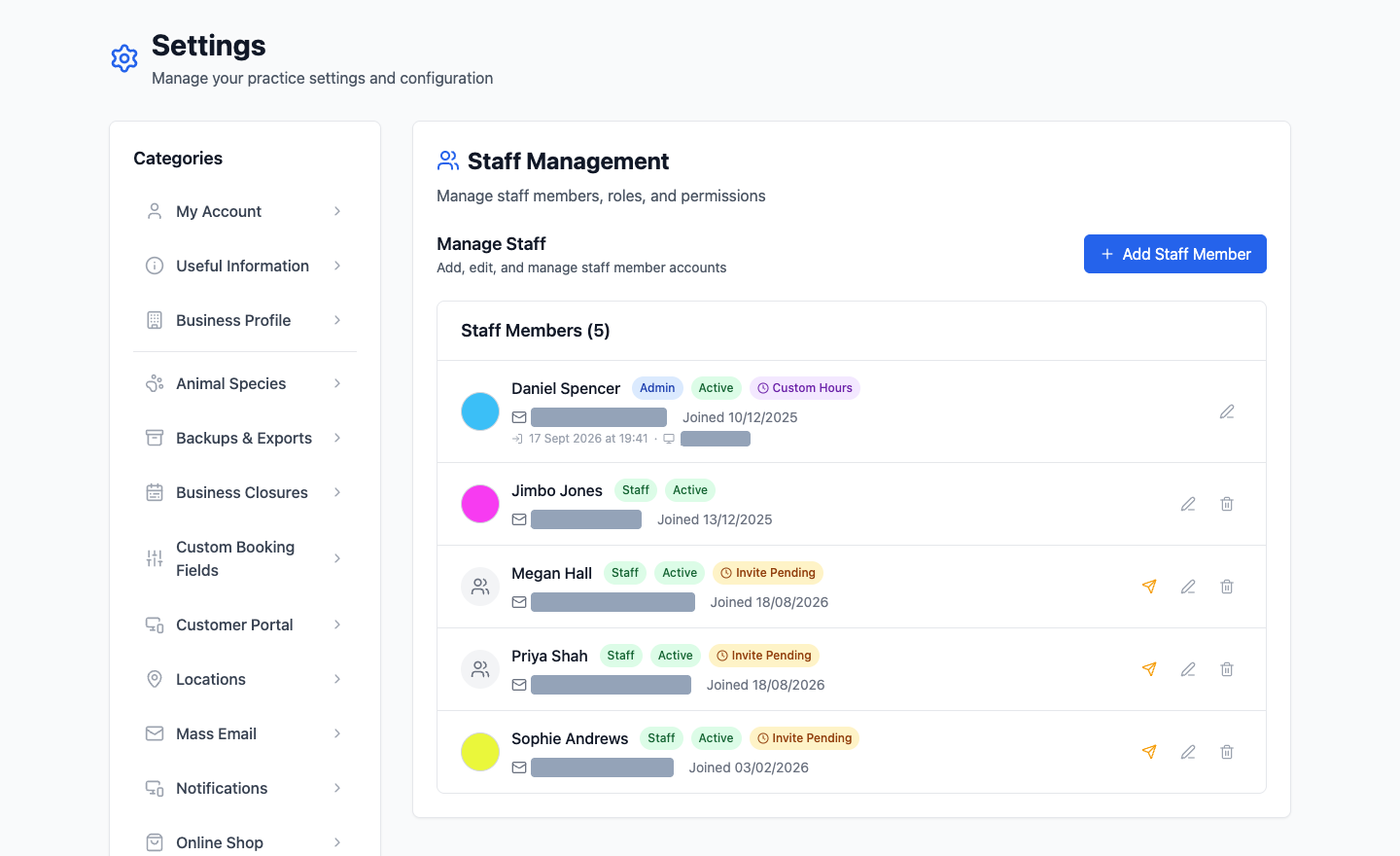
Go to Settings, choose Staff Management, and click the pencil icon on their row. Anyone already set up this way shows a Custom Hours badge in the list, so you can see at a glance who's on standard hours and who isn't.
2. Switch on Custom Working Hours
Leave it off and they're available whenever the business is open. Switch it on and you get a set of days and times to fill in for that person specifically.
3. Set the days they work
Give each working day its start and end time, and leave their days off empty. Someone who does Tuesday and Thursday mornings gets exactly that, and nothing else.
What this actually changes
- They're only offered as an available staff member during the hours you've set.
- Customers booking online can't pick them outside those hours.
- The diary stops suggesting them for slots they can't do.
This is the single most useful setting for a practice with part-timers. Without it, a Saturday booking can quietly land on someone who hasn't worked a Saturday in two years.
Custom hours sit inside your business hours
Your opening hours, set under Settings then Business Profile, are the outer limit. Giving someone hours that run past closing time won't make those slots bookable — the business has to be open first. If you need an evening clinic, extend your business hours and then set the staff hours to match.
One-off absences are different
Custom hours are the pattern someone works every week. A week off, a training day or a dentist appointment is leave, handled separately under Staff Holidays. Don't edit somebody's working hours to cover a fortnight in Spain — you'll forget to put them back.